On this page
These pages are for the person who runs the business. You do not need to be a developer. Most day-to-day work happens in admin after you sign in.
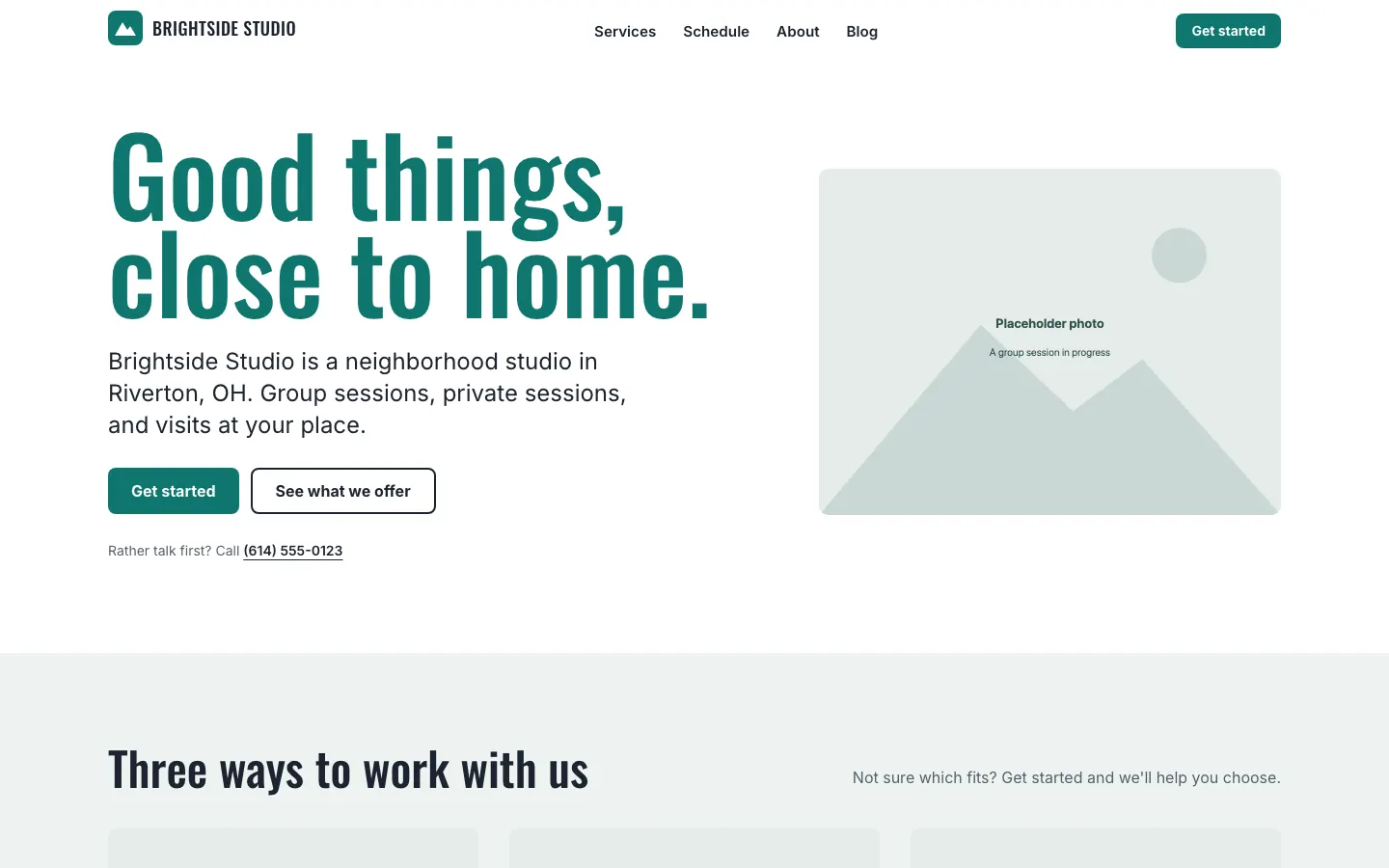
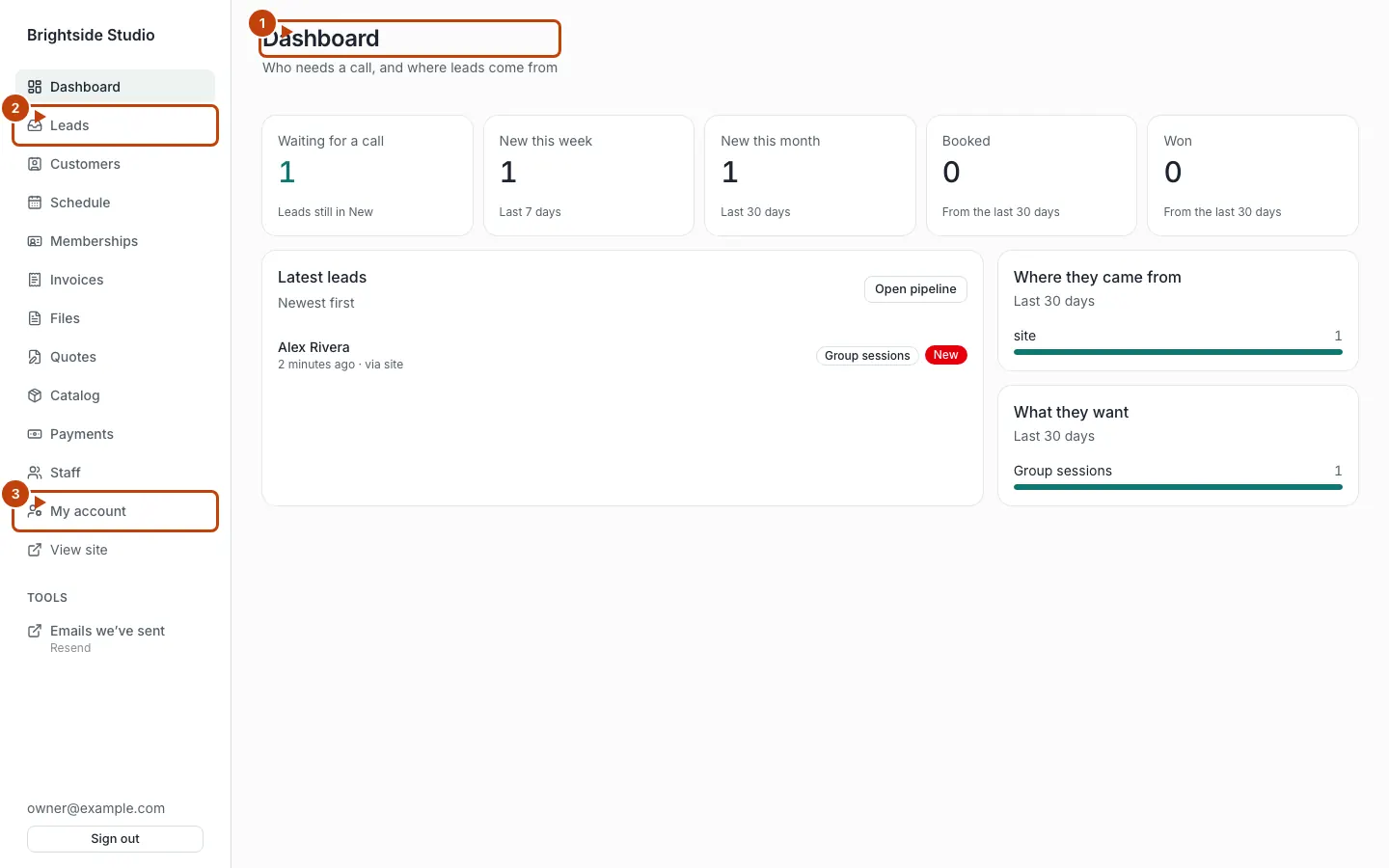
The screenshots show Brightside Studio, the example site that ships with the product. Your pages will use your name, colors, and words.
What you already have
Every site includes:
- A public website visitors can read on a phone or computer
- An admin area for you and your staff
- A leads board for people who fill in a form
- A customer list (the people you serve)
You can also turn on extra tools. A gym might turn on plans, session packs, and class booking. A plumber might turn on quotes and invoices. See Turn features on and off.
What you do in admin
Sign in at /admin. From there you can:
- See who needs a call
- Move leads through your pipeline
- Add customers and invite them to sign in
- Upload files and copy a link
- Record cash or a check
- Send invoices and quotes, if those tools are on
- Add membership plans and session packs, if those tools are on
- Run the weekly schedule, if group sessions are on
A tour of each screen is in A tour of admin.
What you ask your agent to do
Your AI agent works in your site’s GitHub repo. Ask it in plain words. Good examples:
- “Change the homepage headline to …”
- “Add a blog post from this Instagram caption.”
- “Turn on memberships.”
- “Make plans bill every 28 days.”
The agent opens a pull request. You look at the change, then merge it. That merge is what goes live. Lots of example requests: What to ask your agent.
What this docs set is not
The Xylo CMS page is the public offering. These pages are the how-to. Technical hosting, Stripe keys, backups, and updates sit in the Technical section. Start there only when you are going live or changing hosting.
If you take memberships
Read Memberships and plans, then Stripe setup. Plans can bill monthly, yearly, every 28 days, or on another interval you choose. Session packs are separate: Session packs.
Contact
Xylo does not take phone or web-form sign-up for the CMS. Email xylo@xylosoftware.dev.
Canonical: https://www.xylosoftware.com/cms/docs